
Hotels
Welcome every guest, on every floor
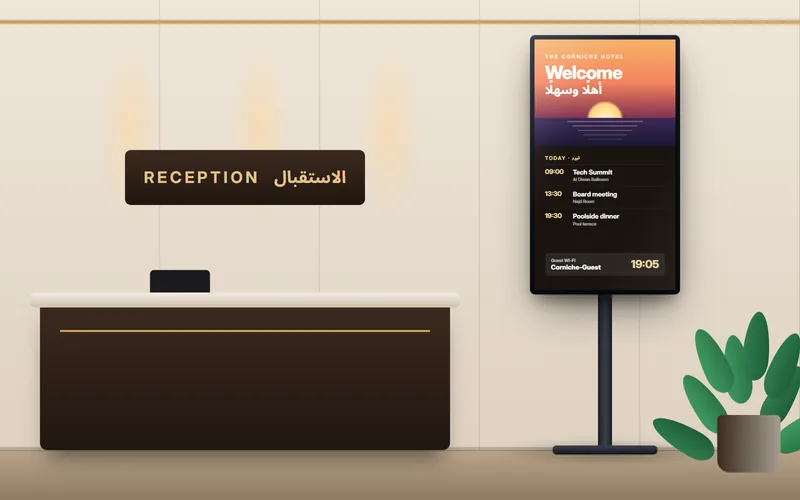
A welcome screen in the lobby, today's events by the ballrooms, the breakfast menu by the restaurant and live TV in the waiting areas.
What you can show
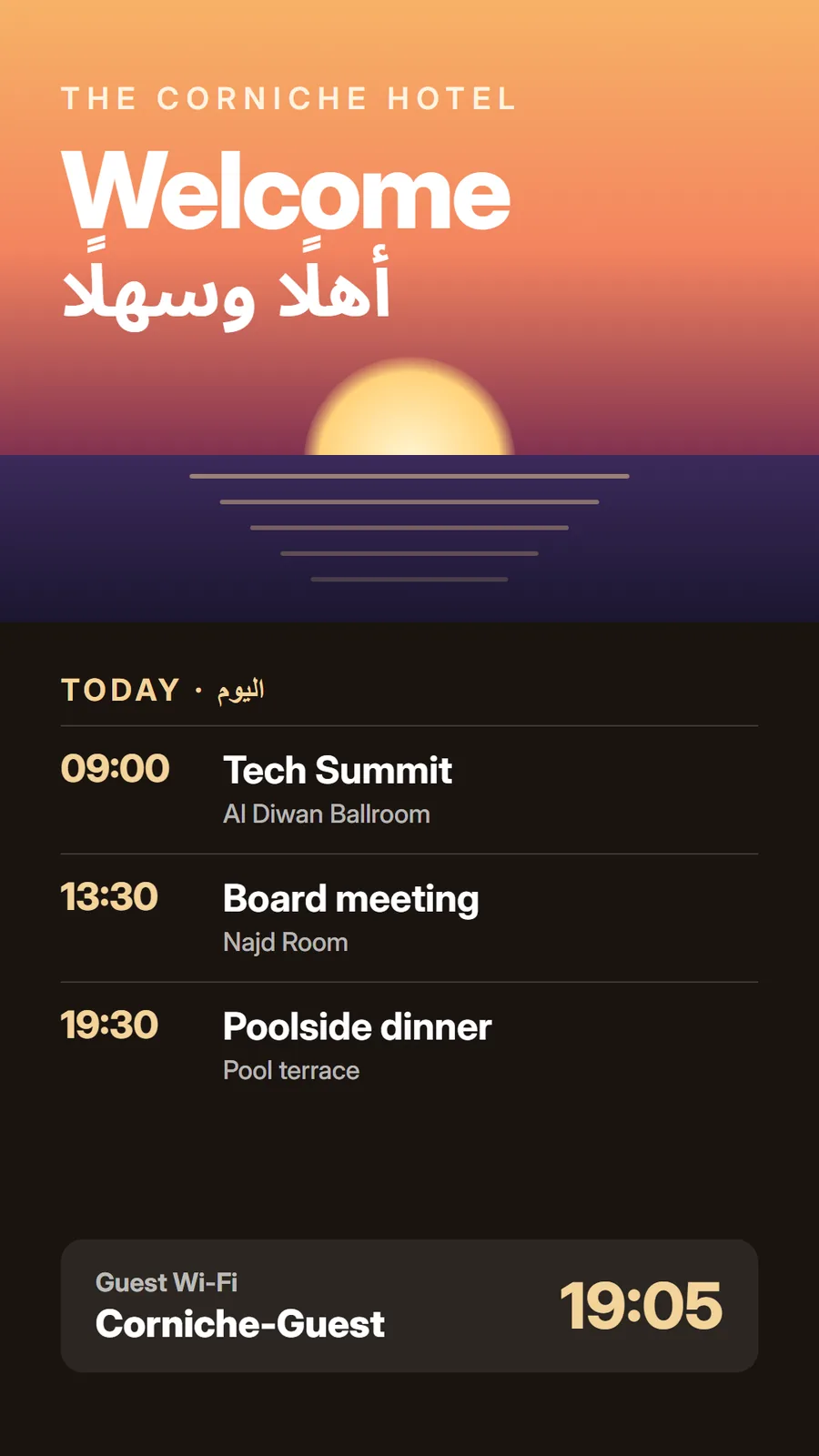
- Welcome and wayfinding Portrait welcome screens with your brand, directions and guest Wi-Fi details.
- Today's events Publish the day's event board as a slide or as a web page you already keep up to date.
- Restaurant and spa offers Schedule offers by time of day next to each outlet.
- Live TV in lounges (Pro) Play channels from your Telvory Live line-up, full screen or in a zone.
- Clock with Hijri date A clean clock item with the Gregorian and the Hijri date.
Why it fits
Live TV and signage together
On Pro, live channels from Telvory Live play as content, in the same portal.
English and Arabic
Portal and screens in both languages, right to left done properly.
Roles for each team (Pro)
Let events, F&B and front office manage their own content.
Questions
Can screens show a web page we already publish?
Yes. A web page is a playlist item, so an events page or a booking board can play in a zone.
Does it work on the hotel's TVs?
It runs on Android TVs, Google TV and Android boxes with the free app, and on smart TV browsers through the web player.
Try it on your own screens
Free for up to 3 screens, with no logo on your screens.