
Schools and universities
Every announcement, on every corridor screen
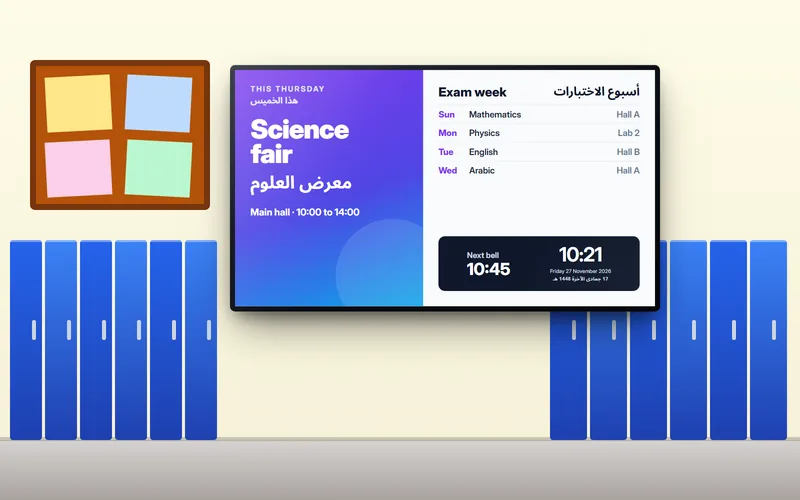
Exam weeks, events, timetables and achievements on the screens in corridors, halls and the library, with one switch for urgent messages.
What you can show
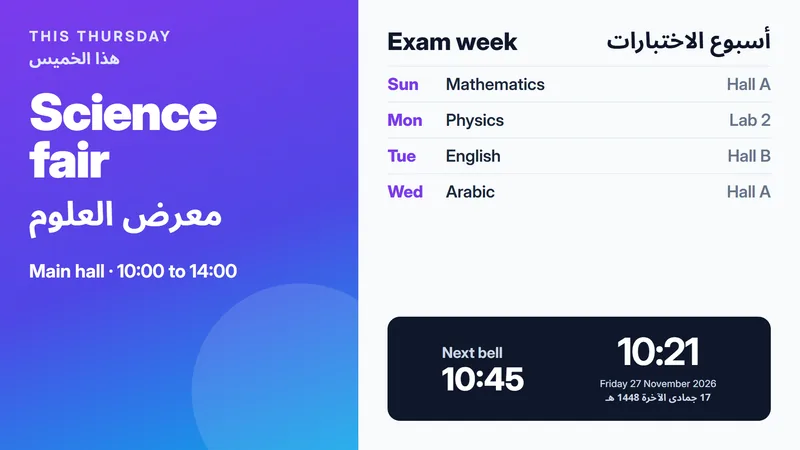
- Announcements and events This week's events and news as slides, scheduled to appear and disappear on time.
- Timetables and exam weeks Upload a PDF timetable; each page becomes a slide.
- Campus web pages Show a page from your school site or portal in a zone.
- Celebrations and achievements Photos and video from school life.
- Clock and bell times The clock item next to your bell-time slide.
Why it fits
Emergency override
Put one message on every screen in seconds, above every schedule.
Term-long schedules
Date ranges for exam weeks and holidays, a default for normal days.
Roles for staff (Pro)
Teachers manage content while IT manages screens.
Questions
Can teachers publish without touching the screens?
Yes. Managing content and managing screens are separate permissions; on Pro, custom roles let teachers manage content while IT manages screens.
Do classroom TVs work?
Yes, Android TVs and boxes with the free app, or any screen with a modern browser through the web player.
Try it on your own screens
Free for up to 3 screens, with no logo on your screens.