
Offices and corporate
Internal comms and live dashboards on office screens
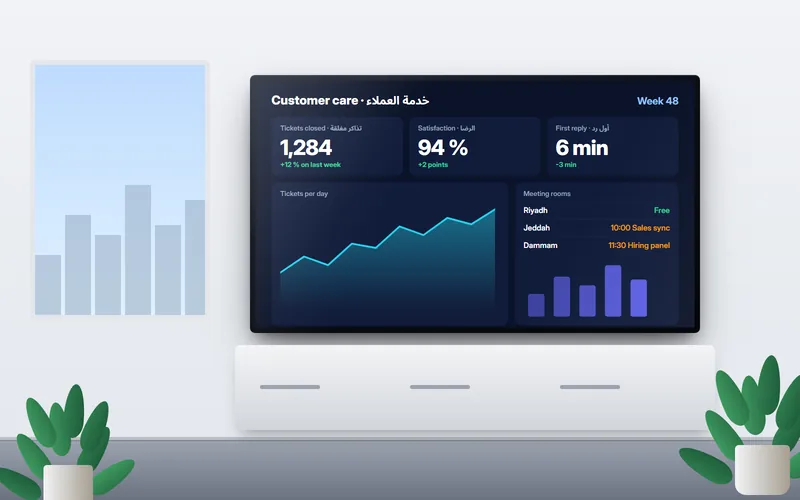
Put team dashboards, company news, visitor welcomes and safety messages on screens in reception, kitchens and open-plan floors.
What you can show
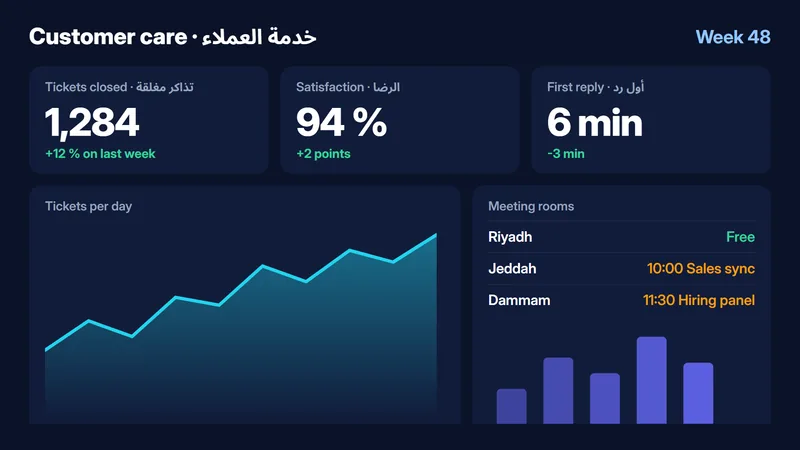
- Dashboards as web pages Show a dashboard page your team already uses, refreshed in a zone.
- Company news and HR updates Slides and short videos for town halls, benefits and new joiners.
- Visitor welcome A welcome slide for today's visitors in reception.
- Safety and compliance Evacuation maps and safety reminders on a schedule.
- Live TV in reception (Pro) News channels from your Telvory Live line-up.
Why it fits
Public API (Pro)
Automate content and screens with scoped workspace API keys.
Custom roles (Pro)
Decide who can view, manage content or manage screens.
Proof of play
Each screen reports what it played; CSV export on Business.
Questions
Can a dashboard that needs a sign-in be shown?
A web page item shows the page as the screen's browser opens it. Pages that need a sign-in are best published as a read-only link.
Can we turn screens off out of hours?
Yes, with on/off schedules: full power control on supported devices, black screen on others.
Try it on your own screens
Free for up to 3 screens, with no logo on your screens.