
Everything Telvory Signage does
Content, playlists, layouts, schedules and screens in one portal, with a player that keeps going offline.
Content
Images and video
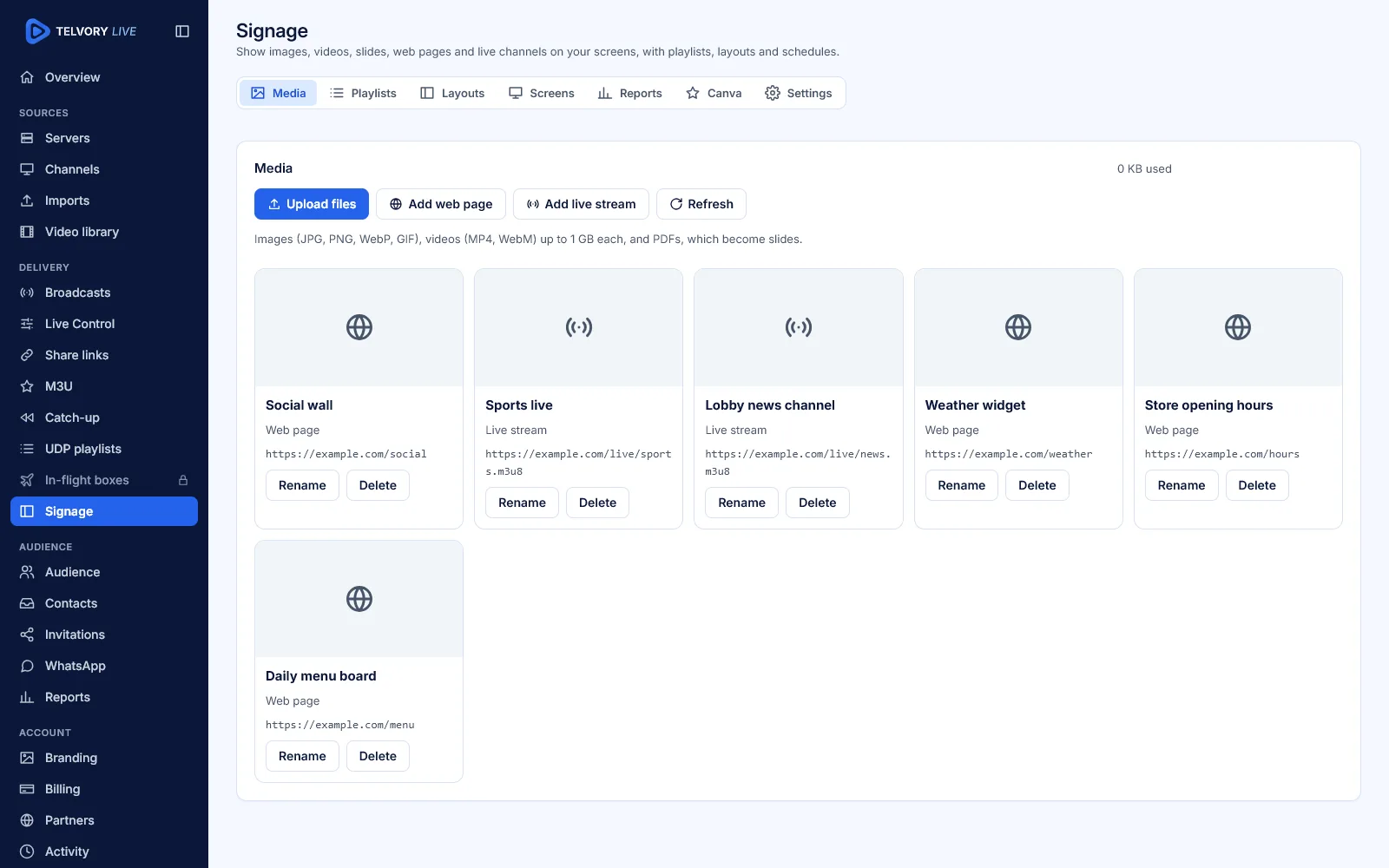
JPG, PNG, WebP and GIF images; MP4 and WebM video that plays to its end. Uploads go straight from your browser to private storage.
PDF slides
Upload a PDF and each page becomes a slide, with the item duration applied to every page.
Web pages
Show any web page as a playlist item, such as a dashboard or a menu you already publish.
Live streams and live TV
Play any HLS (https) stream. On Pro, play channels from your Telvory Live line-up.
Clock with Hijri date
A clean clock item with the Gregorian and the Hijri date.
Canva import (coming soon)
Connect Canva, pick a design and import it as images or video.
Playlists, layouts and schedules
Playlists
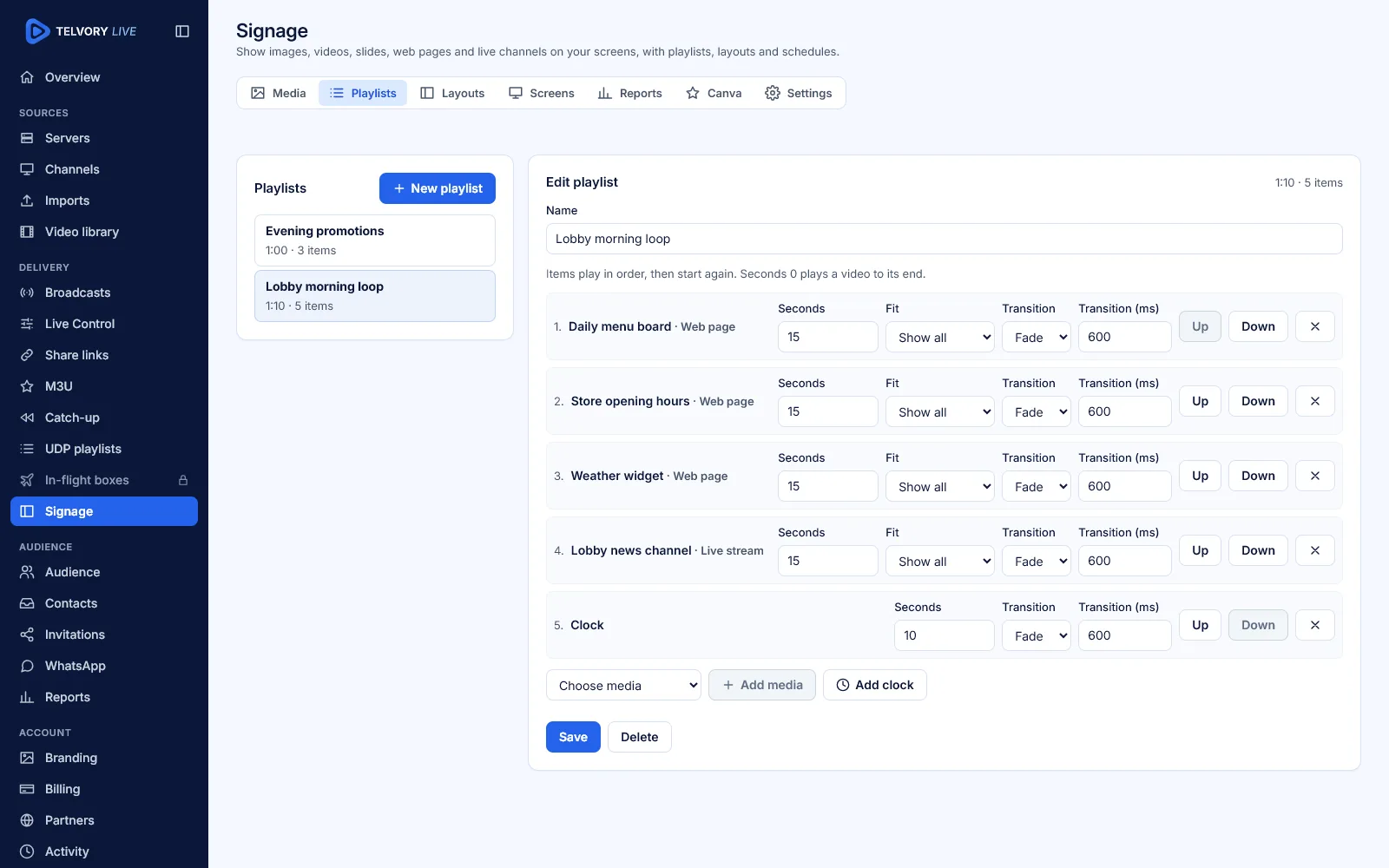
Ordered items with a duration, a fit (contain, cover or stretch) and a transition (fade, slide or zoom).
Layouts with zones
Up to four zones from presets: full screen, main plus side bar, main plus ticker, split and 2 x 2. Each zone plays its own playlist.
Schedules
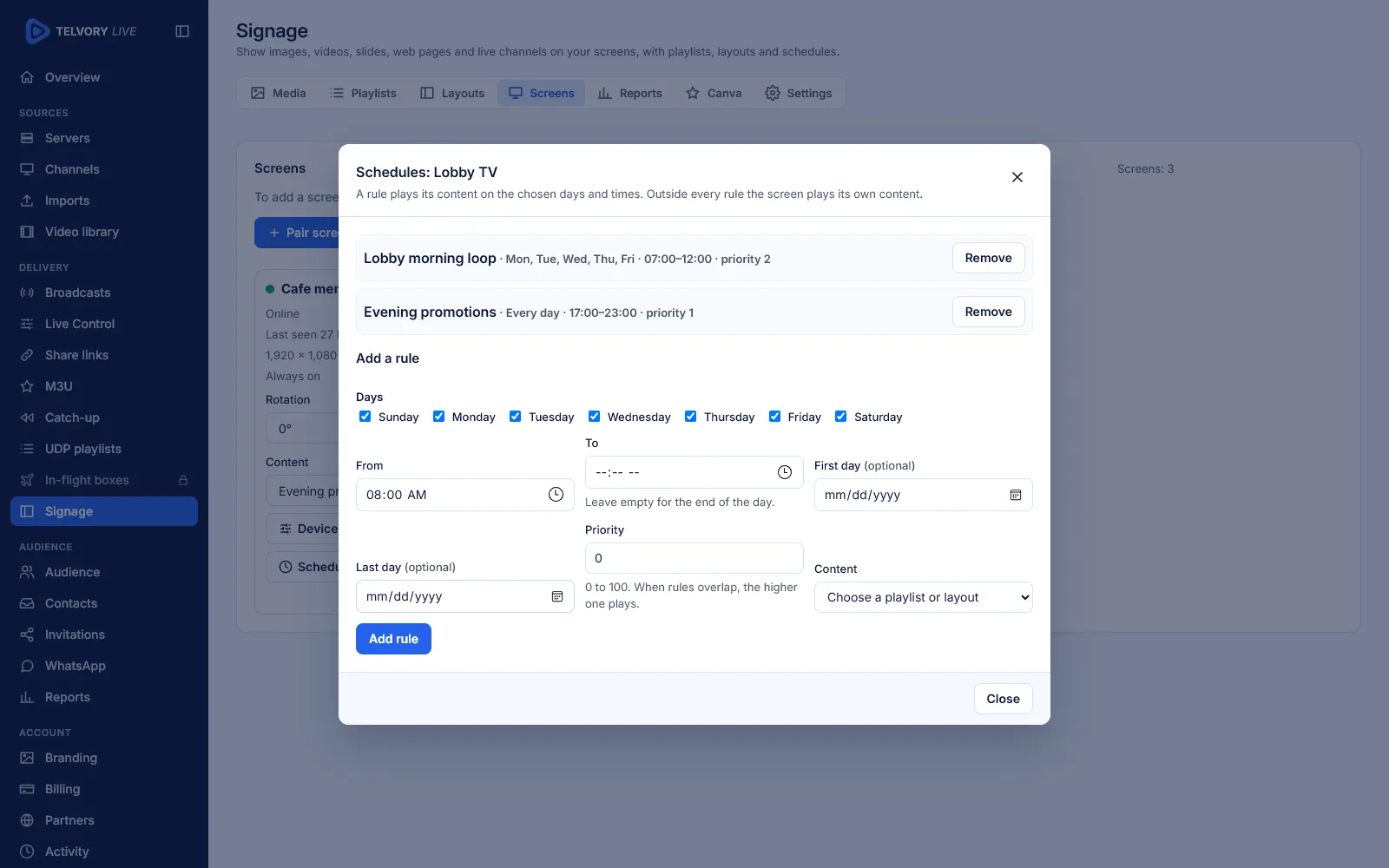
Rules by day of the week, time window and date range, with priorities. A default plays the rest of the time.
Emergency override
One switch puts a message or a playlist on every screen of the workspace, above every schedule.
Screens
Pair with a code
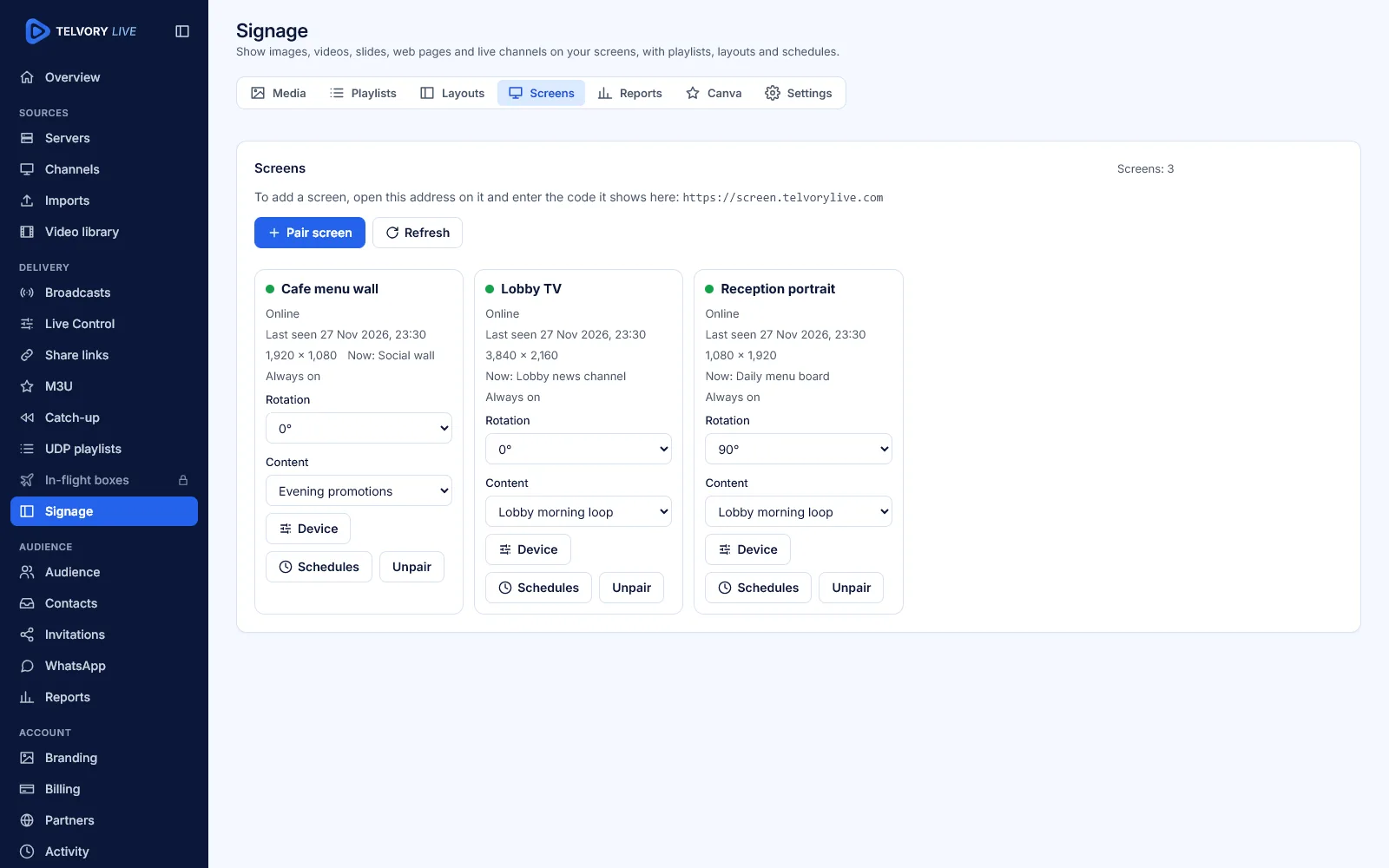
The screen shows a short code and a QR code. Enter it in the portal and the screen is paired.
Portrait, landscape, rotated
Portrait or landscape layouts, and a per-screen rotation of 90, 180 or 270 degrees for panels mounted on their side.
Remote screenshots
Ask a screen for a screenshot of what it shows right now, video included on the Android app.
Status and proof of play
Online status, now playing and cache state every minute; plays are reported for proof of play.
Screen on/off schedules
Full power control on supported devices, black screen on others. The portal shows which mode each screen uses.
Offline and reboot-proof
Every file is cached before it plays and the schedule runs on the screen, so playback survives lost internet and restarts.
Android app and kiosk
Free APK
One free app for Android TV, Google TV, Android boxes and tablets, on every plan.
Kiosk mode
Set up as device owner, the app starts on boot, stays in front, reboots on command and updates itself silently.
Zero-touch QR enrolment (Pro)
Factory-fresh devices enrol by scanning a QR code from the portal during setup.
Commercial displays
Screen power over your network for supported commercial displays, alongside HDMI-CEC where the device allows it.
Team, languages and security
Custom roles (Pro)
Decide who can view, manage content or manage screens.
Public API (Pro)
Automate with scoped workspace API keys.
English and Arabic
The portal and this site in both languages, right to left done properly, and Arabic content shown correctly on screens.
Private by design
Media sits in private storage and reaches screens only through short-lived signed links; each screen has its own revocable token.
Start with three screens, free
Pair your first screen in minutes. Move to a paid plan when your network grows.