Get the free app
One APK for Android TV, Google TV, Android boxes and tablets. No Android screen? Open the web player in any modern browser.
Download the APK
Latest version: 1.0.0 SHA-256 fbb564837002b14e35878097641d32b094bce473c678c680ee9a6dd0f451cc6d
Check the download: compare the SHA-256 shown here with the file you installed.
Open the web player
Works in any modern browser: Chrome or Edge in kiosk mode, Raspberry Pi Chromium, Android TV browsers, Fire TV Silk, LG webOS and Samsung Tizen browsers.
TV boxes and Android TV
- On the box, allow installs from unknown sources for the app you will install from (Settings > Security or Device preferences > Security & restrictions).
- Easiest: install a downloader app from the store, then type the address telvorysign.com/download/telvory-signage.apk. A short Downloader code will be listed here once registered.
- Or copy the APK to a USB stick, plug it in and open it with a file manager.
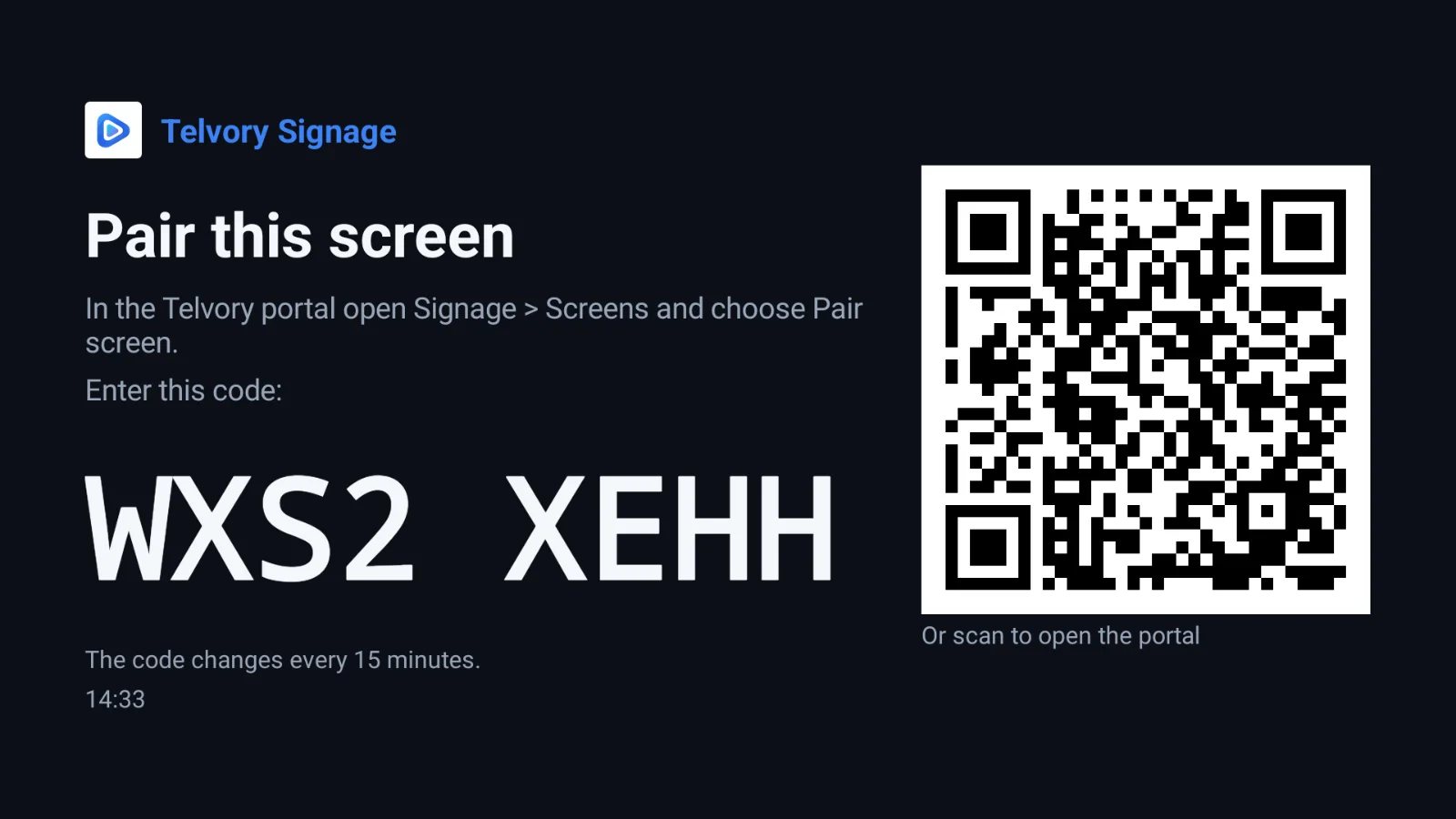
- Open Telvory Signage. A pairing code appears; enter it in the portal under Signage > Screens.
Tablets
- Open this page on the tablet and tap Download the APK.
- When Android asks, allow your browser to install unknown apps, then tap Install.
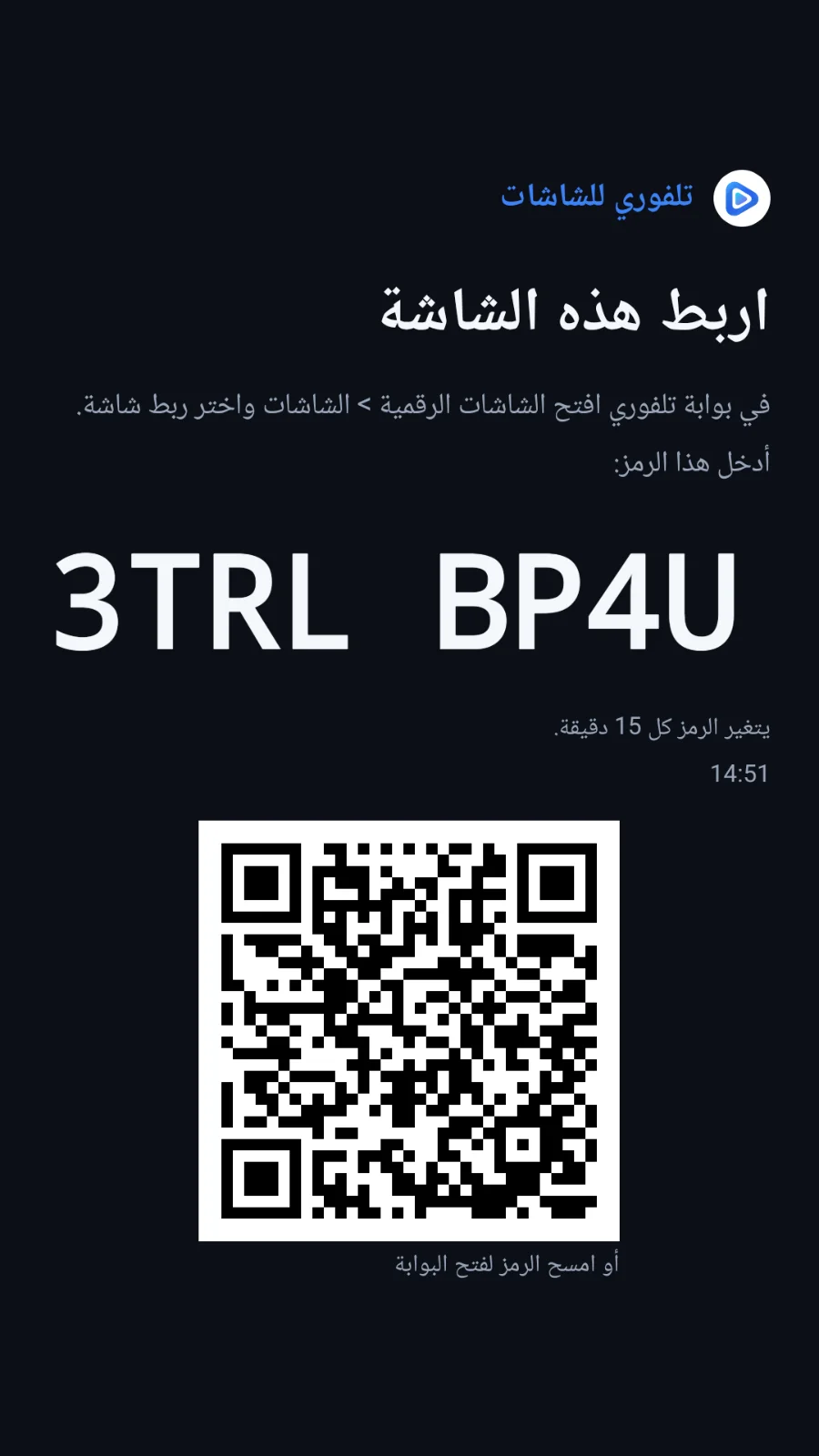
- Open the app, mount the tablet in portrait or landscape, and pair it with the code shown.
Kiosk setup as device owner (optional)
As device owner the app starts on boot, stays in front, can reboot on command and updates itself silently. Device owner can only be set on a device without accounts, usually right after a factory reset.
With adb
- Enable developer options and USB or network debugging on the device.
- Install the APK, then run:
adb shell dpm set-device-owner com.telvory.signage/.admin.AdminReceiverWith a QR code (Pro)
- Factory reset the device (Android 7 or later).
- On the first welcome screen, tap six times in the same spot to open the QR setup.
- Scan the enrolment QR code from the portal (Signage > Screens). The device downloads the app, makes it device owner and pairs itself.
Without device owner, set Telvory Signage as the Home app, so it always comes back after a power cut.